 |
|
Once selecting a
part  or an assembly
  , the Table
view is opened (depending on portal possibly even directly the
Variable view).
, the Table
view is opened (depending on portal possibly even directly the
Variable view).
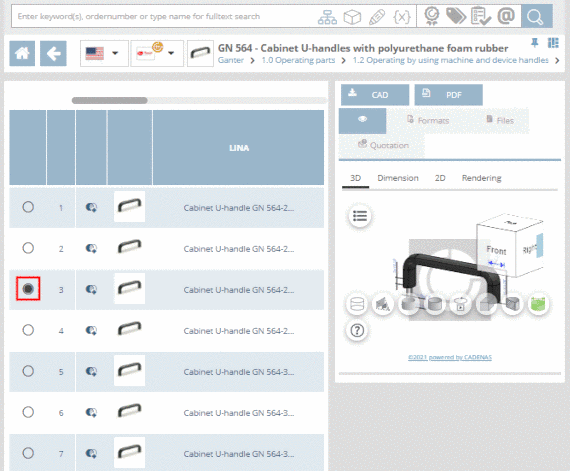
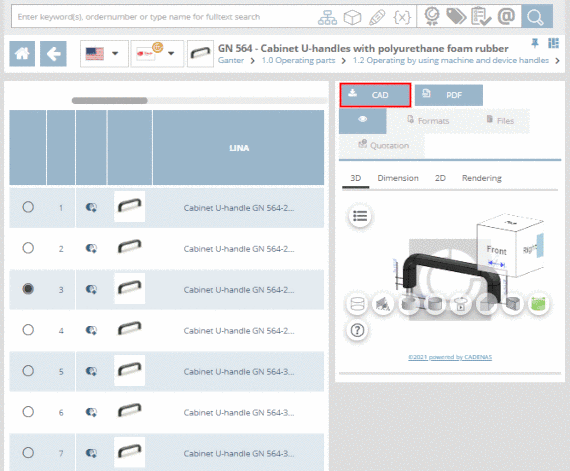
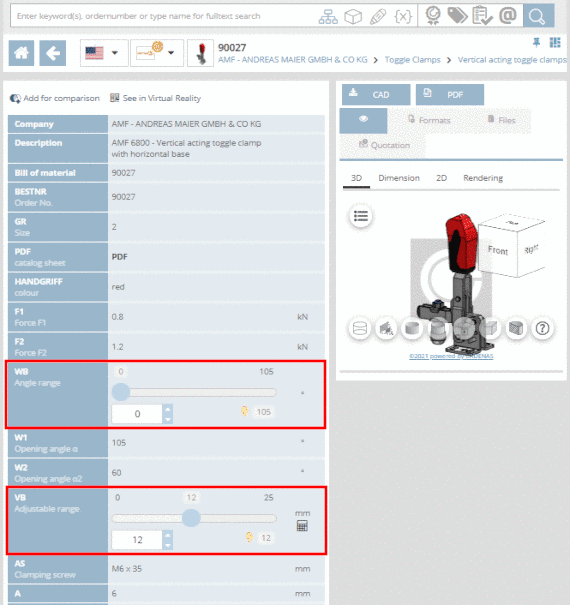
In the Table view you can specify the characteristic of part.
At initial
call of part the default line determined by catalog manufacturer is
selected (activated option button  ). For the default line there is a preview available by default.
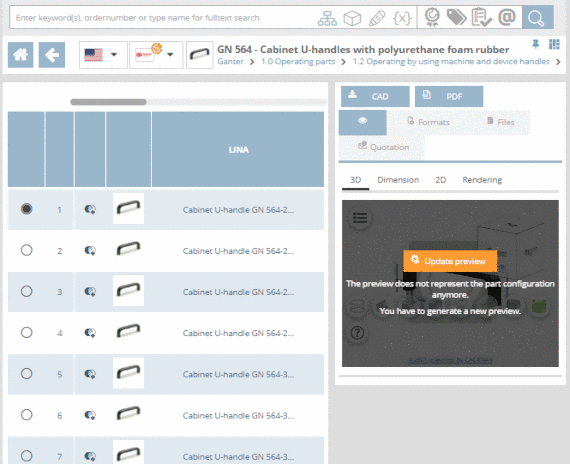
For all other lines it has to be generated first.
). For the default line there is a preview available by default.
For all other lines it has to be generated first.
When changing the row, in the preview, you have to click on the button .
In order to open the Variable view, click on the line number, the preview image or the part name.
| ||||
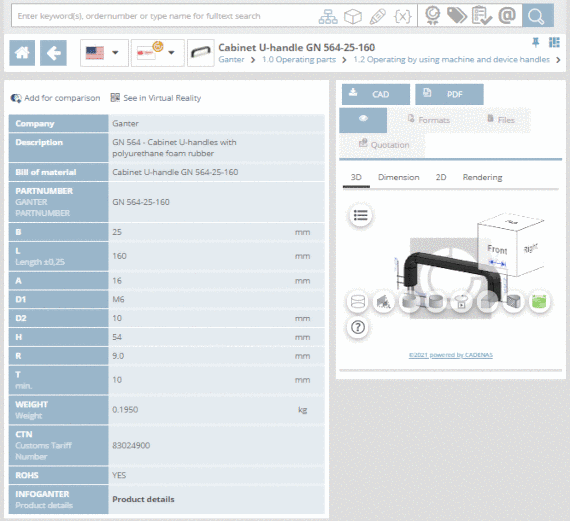
The Variable view lists all data of a certain characteristic.
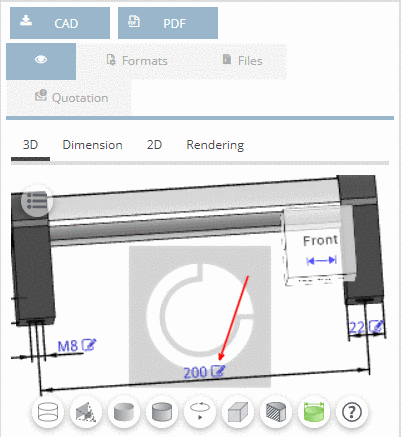
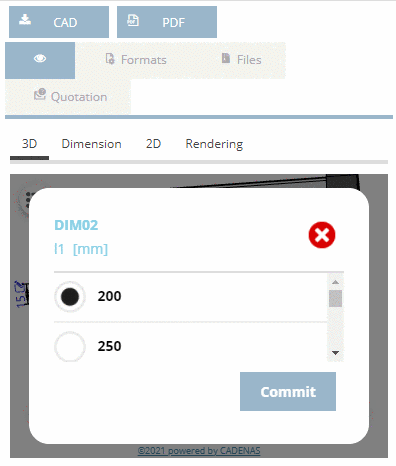
If provided by catalog supplier the characteristic can be changed in the 3D view in addition.
![[Note]](images/note.png)